
Laptop Buying Guide for Beginners (2025): Learn how to choose the right laptop based on processor, RAM, storage, display, battery, graphics, and budget. A complete beginner-friendly guide with expert tips.
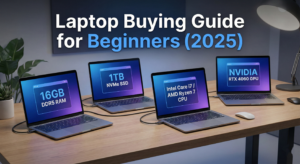
Laptop Buying Guide for Beginners (2025 Edition)
If you are planning to purchase a new laptop, this Laptop Buying Guide for Beginners will help you make the right choice without wasting money. The laptop market in India has changed massively in the last few years with upgrades in processors, RAM, SSD storage, fast charging, and AI features. But with so many models from HP, Dell, Lenovo, Asus, Acer, Apple, MSI, and more — choosing the right one becomes confusing. Laptop Buying Guide for Beginners (2025) – How to Choose the Best Laptop
This Laptop Buying Guide for Beginners explains every important feature clearly so you know exactly what to buy and what to avoid, whether you’re a student, office user, gamer, video editor, programmer, or casual user.
Let’s begin the ultimate Laptop Buying Guide for Beginners (2025).
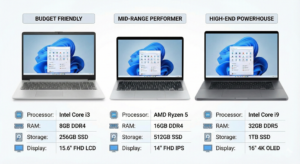
🟦 1. Identify Your Purpose (Most Important Step)
The first and most important part of this Laptop Buying Guide for Beginners is knowing why you need a laptop, because your purpose decides everything — processor, budget, RAM, storage, and display. Laptop Buying Guide for Beginners (2025) – How to Choose the Best Laptop
✔ For Students
-
Basic tasks
-
Online classes
-
MS Office
-
Browsing
Budget: ₹25,000–₹40,000
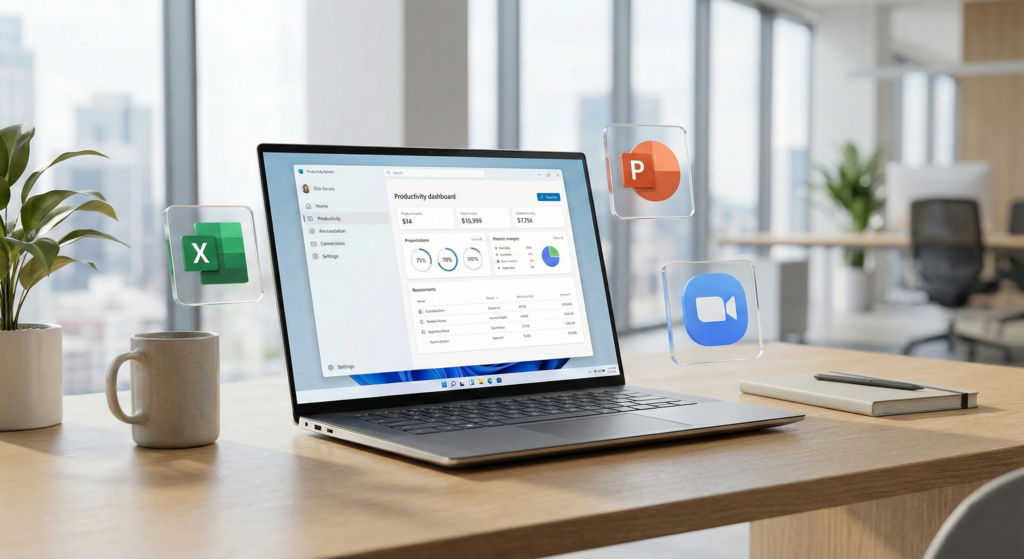
✔ For Office Work
-
Excel, PowerPoint, emails
-
Virtual meetings
Budget: ₹35,000–₹55,000
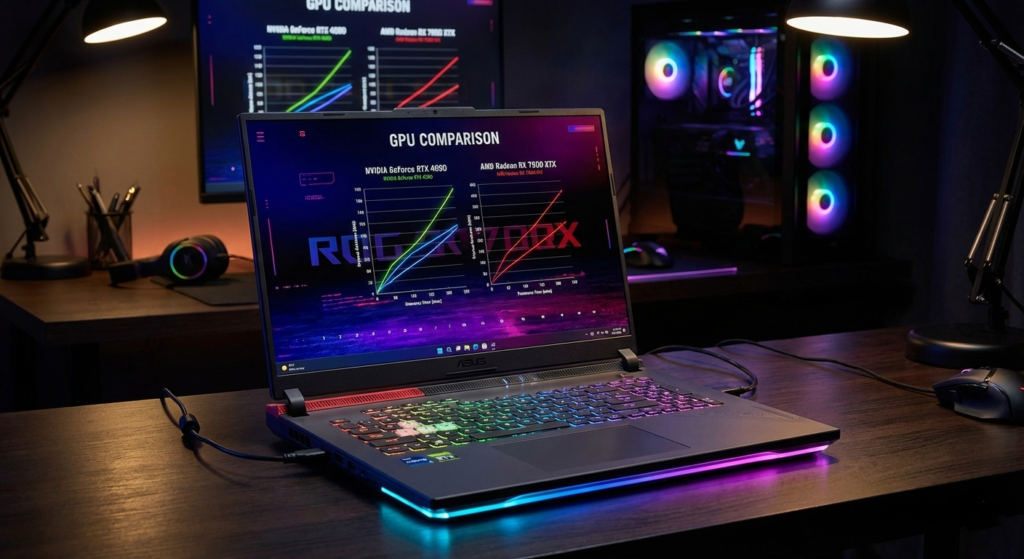
✔ For Gaming
-
High GPU
-
Strong cooling
Budget: ₹60,000–₹1,50,000
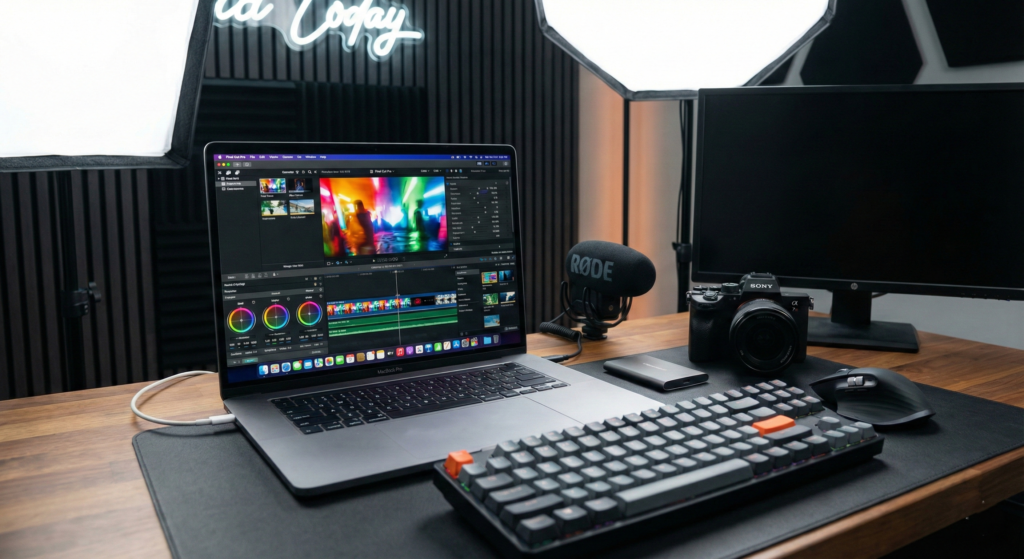
✔ For Video Editing / Graphics
-
Strong CPU + GPU
-
High color accuracy
Budget: ₹70,000–₹1,50,000
✔ For Programming
-
Fast processor
-
Minimum 16GB RAM
Budget: ₹50,000–₹80,000
Before buying anything, decide your category. This makes the rest of the Laptop Buying Guide for Beginners easier.
2. Choose the Right Processor (CPU)
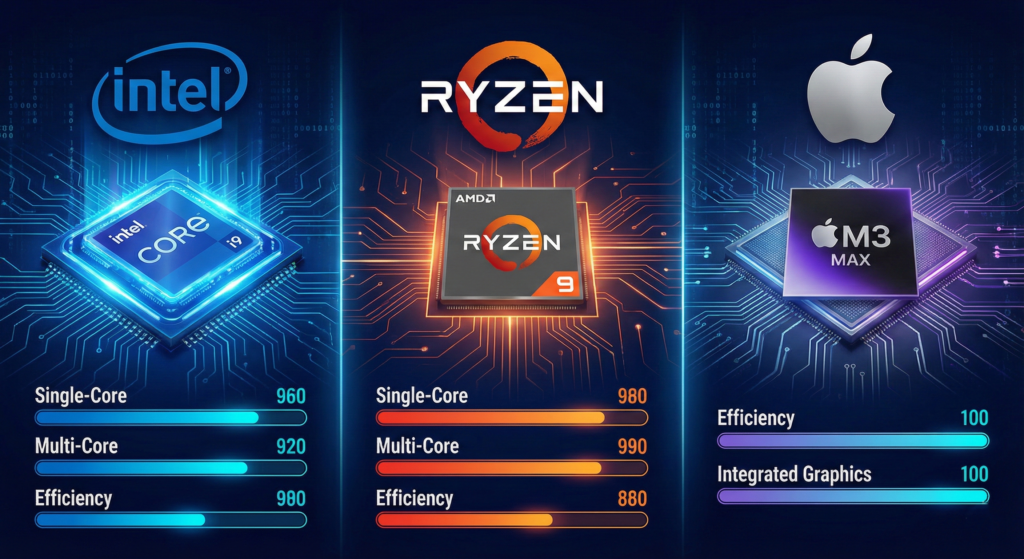
The processor is the “brain” of your laptop. In this Laptop Buying Guide for Beginners, we break down CPUs simply.
Intel Processors (2025)
Intel uses “i” and “U/H” series:
✔ Core i3 – For students, light work
✔ Core i5 – Best all-rounder
✔ Core i7 – Heavy work, editing, gaming
✔ Core i9 – High-end editing, AI, 3D work
AMD Processors (2025)
AMD Ryzen is better for multitasking and budget performance.
✔ Ryzen 3 – Basic
✔ Ryzen 5 – Best balanced performer
✔ Ryzen 7 – Heavy users
✔ Ryzen 9 – Professionals
AMD chips are more efficient and run cooler.
Apple M-Series (MacBooks)
Apple’s M-series changed the laptop world.
✔ M1 – Good for students
✔ M2 – Best for creators
✔ M3 – Super powerful, premium choice
This Laptop Buying Guide for Beginners recommends:
➡ Ryzen 5 / Intel i5 for most users
➡ M1/M2 for creators & students wanting long battery life
🟦 3. How Much RAM Do You Need?
RAM affects multitasking.
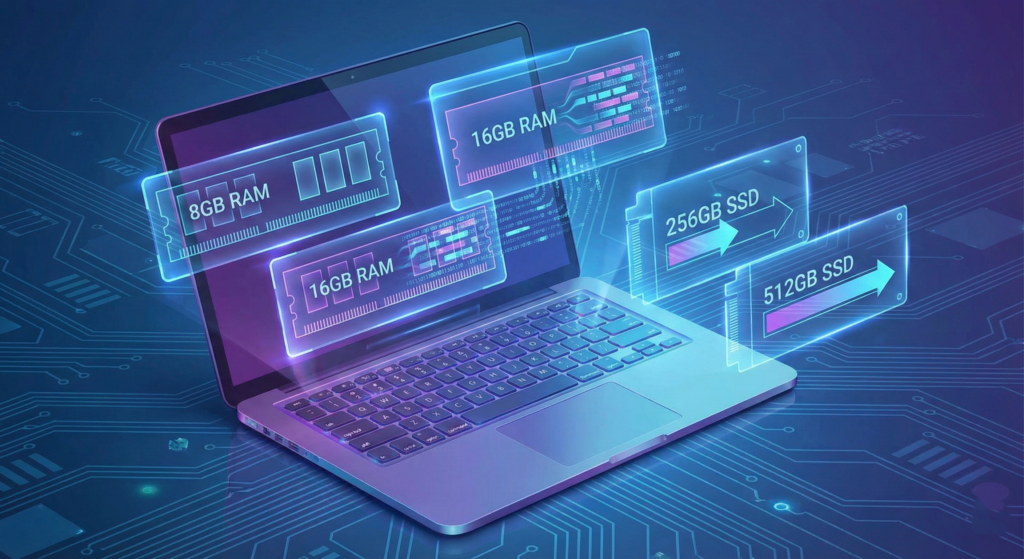
✔ 4GB — Not recommended in 2025
✔ 8GB — Minimum requirement
✔ 16GB — Ideal for gaming/programming
✔ 32GB+ — Heavy editing, 3D, AI workloads
Laptop Buying Guide for Beginners Tip:
➡ Always pick 8GB RAM minimum, with upgradability.
🟧 4. Choose the Right Storage: HDD vs SSD
HDD (Old Technology)
❌ Slow
❌ Noisy
❌ Not recommended
SSD (Solid State Drive)
✔ Super fast
✔ Boots in seconds
✔ Smooth performance
Storage guidelines:
-
256GB SSD – Minimum
-
512GB SSD – Recommended
-
1TB SSD – Best for creators
In this Laptop Buying Guide for Beginners, SSD is a MUST for 2025 laptops.
ALSO READ – Best Smartphones Under ₹15,000 in India (2025)
🟦 5. Display Quality Matters More Than You Think
Your screen affects everything — watching videos, reading text, editing, gaming.
✔ Resolution
-
1080p Full HD – Minimum
-
2K/QHD – For editing, creators
-
4K – High-end laptops only
✔ Size
-
14-inch – Portable
-
15.6-inch – Best balance
-
16-inch – Professional work
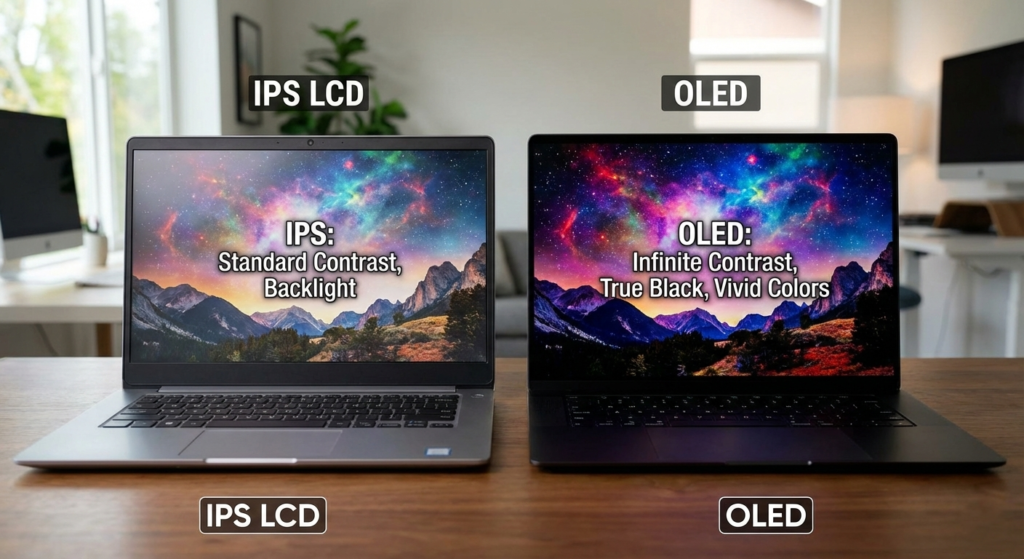
✔ Type
-
IPS LCD – Best viewing angles
-
OLED – Best colors, expensive
✔ Refresh Rate
-
60Hz – Basic
-
120Hz / 144Hz – Gaming
-
240Hz – eSports
This Laptop Buying Guide for Beginners recommends:
➡ Get a 15.6-inch Full HD IPS as the safest option.
🟧 6. Graphics Card (GPU) – Do You Really Need It?
Not everyone needs a GPU. This Laptop Buying Guide for Beginners clarifies:
✔ Integrated GPU (Intel/AMD iGPU)
Best for:
-
Browsing
-
Office
-
Basic editing
✔ Dedicated GPU
Examples: GTX 1650, RTX 3050, RTX 4060
Best for:
-
Gaming
-
Video editing
-
Heavy rendering
This Laptop Buying Guide for Beginners suggests:
➡ RTX 3050 for mid-level gaming
➡ RTX 4060 for serious gamers
🟦 7. Battery Life — A Crucial Factor
If portability matters:
-
Students → 6–8 hours
-
Office users → 8–10 hours
-
MacBooks → 12–15 hours
Gaming laptops generally have weaker battery backup.
🟧 8. Build Quality & Keyboard
Good laptops must have:
✔ Strong hinge
✔ Backlit keyboard
✔ Good key travel
✔ Precision trackpad
🟦 9. Ports & Connectivity
Essential ports:
-
USB-A
-
USB-C
-
HDMI
-
Headphone jack
-
SD card reader (for creators)
🟧 10. Budget Recommendation Based on Use
✔ Budget Laptops (₹25,000–₹35,000)
-
Basic work
-
Students
✔ Mid-Range (₹40,000–₹60,000)
-
Best value
-
Programming
-
Office
✔ Premium (₹70,000–₹1,50,000)
-
Editing
-
Gaming
-
Professional use
🟦 11. Laptop Buying Checklist (Beginner-Friendly)
Before buying, check these 10 points:
-
Processor: i5/Ryzen 5
-
RAM: 8GB minimum
-
Storage: 512GB SSD
-
Display: Full HD
-
Battery: 6+ hours
-
Ports: USB-C, HDMI
-
Weight: Under 2kg
-
Webcam quality
-
Warranty
-
Service center availability
This checklist is part of your Laptop Buying Guide for Beginners and ensures a safe purchase.
🟧 12. Best Laptops for Beginners (2025 Recommendations)
Under ₹30,000
-
Lenovo IdeaPad Slim 3
-
Acer Aspire 3
Under ₹40,000
-
HP 15s
-
ASUS VivoBook 15
Under ₹50,000
-
Lenovo V15
-
Acer Aspire 5
Under ₹60,000
-
ASUS VivoBook S
-
HP Pavilion x360
For Creators
-
MacBook Air M1/M2
-
ASUS Vivobook Pro
🎯 Conclusion — Laptop Buying Guide for Beginners (2025)
Buying a laptop doesn’t have to be confusing. This Laptop Buying Guide for Beginners explains everything you need to know — processors, RAM, storage, display quality, battery life, GPU, and budget. Once you understand your purpose and compare features, choosing the right laptop becomes simple.
Whether you’re a student, office user, gamer, or content creator, this Laptop Buying Guide for Beginners will help you make a smart, future-proof decision.